Guides
Present On Mount
Present the bottom sheet on mount.
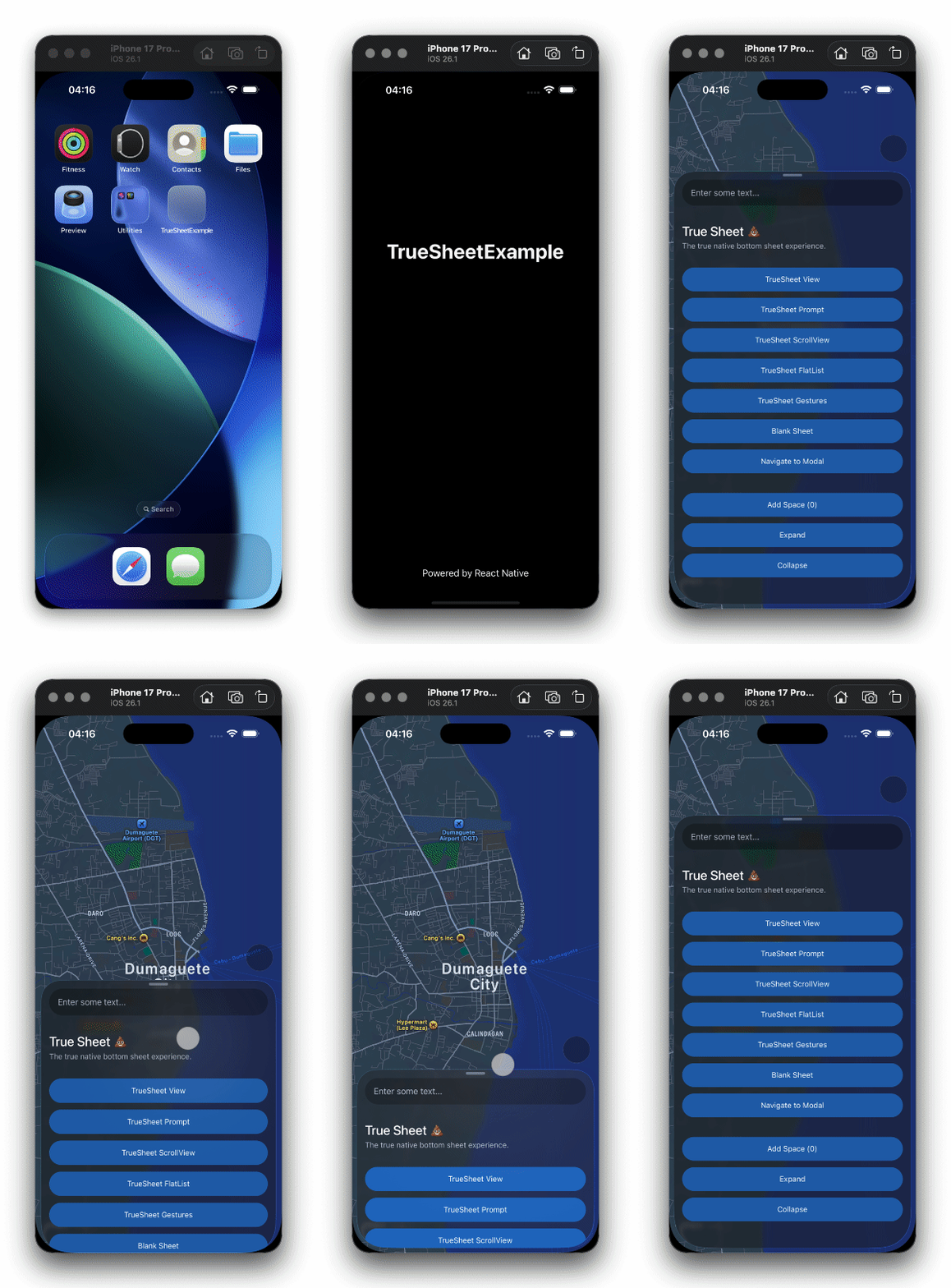
Sometimes, you may want to present the sheet directly during mount. For example, you might want to present the sheet when a screen is opened through a deep link.
How?
You can do this by setting initialDetentIndex prop. It accepts the detent index that your sheet is configured with. See detents prop for more information.
const App = () => {
  return (
    <TrueSheet
      detents={['auto', 0.69, 1]}
      initialDetentIndex={1}
      initialDetentAnimated
    >
      <View />
    </TrueSheet>
  )
}
Disabling Animation
You may want to disable the present animation. To do this, simply set initialDetentAnimated to false.
Deep Linking on iOS
iOS Limitation
initialDetentIndex may not work when deep linking to a modal screen from a cold start. See troubleshooting for workaround.