
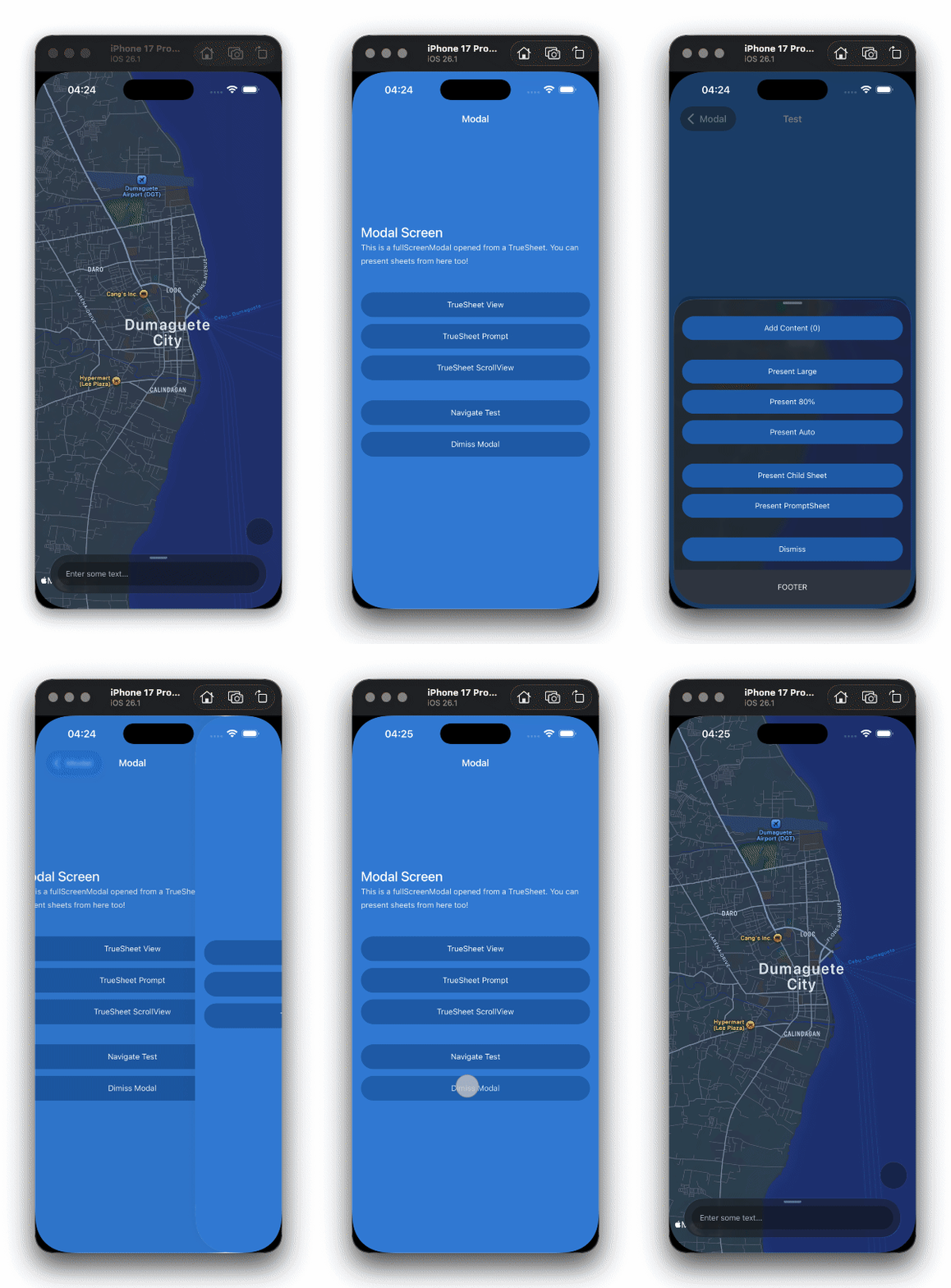
I'm excited to introduce Sheet Navigator — a custom React Navigation navigator that makes presenting sheets as natural as navigating between screens.
The Problem
Bottom sheets are a staple of modern mobile apps. But integrating them with React Navigation has always been... awkward. You'd typically have to:
- Manage sheet refs manually
- Call
present()anddismiss()imperatively - Sync sheet state with navigation state yourself
- Handle the back button separately
- Deal with focus/blur when modals appear on top
It works, but it's not elegant. I wanted sheets to feel like first-class citizens in React Navigation.
The Solution: Sheet Navigator
Sheet Navigator treats sheets as navigation destinations. The first screen is your base content, and every other screen becomes a sheet:
import { NavigationContainer } from '@react-navigation/native';
import { createTrueSheetNavigator } from '@lodev09/react-native-true-sheet/navigation';

const Sheet = createTrueSheetNavigator();

function App() {
  return (
    <NavigationContainer>
      <Sheet.Navigator>
        <Sheet.Screen name="Home" component={HomeScreen} />
        <Sheet.Screen
          name="Details"
          component={DetailsSheet}
          options={{ detents: ['auto', 1], cornerRadius: 16 }}
        />
      </Sheet.Navigator>
    </NavigationContainer>
  );
}
Now you can navigate to sheets like any other screen:
navigation.navigate('Details', { itemId: 123 });And dismiss them naturally:
navigation.goBack();Features
Full Screen Options Support
All TrueSheet props work as screen options. Configure each sheet declaratively:
<Sheet.Screen
  name="Settings"
  component={SettingsSheet}
  options={{
    detents: [0.5, 1],
    cornerRadius: 20,
    grabber: true,
    dimmedDetentIndex: 1,
    backgroundColor: '#1a1a1a',
  }}
/>
Programmatic Resizing
Use the useTrueSheetNavigation hook to resize sheets from within:
import { useTrueSheetNavigation } from '@lodev09/react-native-true-sheet/navigation';

function DetailsSheet() {
  const navigation = useTrueSheetNavigation();

  return (
    <View>
      <Button title="Expand" onPress={() => navigation.resize(1)} />
      <Button title="Collapse" onPress={() => navigation.resize(0)} />
    </View>
  );
}
Rich Event System
Listen to sheet lifecycle events at the navigator level:
<Sheet.Navigator
  screenListeners={{
    sheetWillPresent: (e) => console.log('Presenting at index:', e.data.index),
    sheetDidDismiss: () => console.log('Sheet dismissed'),
    sheetDetentChange: (e) => console.log('Detent changed to:', e.data.index),
    sheetPositionChange: (e) => console.log('Position:', e.data.position),
  }}
>
All 14 events from TrueSheet are available:
| Lifecycle | Drag | Focus |
|---|---|---|
sheetWillPresent | sheetDragBegin | sheetWillFocus |
sheetDidPresent | sheetDragChange | sheetDidFocus |
sheetWillDismiss | sheetDragEnd | sheetWillBlur |
sheetDidDismiss | sheetPositionChange | sheetDidBlur |
sheetDetentChange |
Wrap Your Existing Navigation
Already have a complex navigation setup? Wrap it with Sheet Navigator to present sheets from anywhere:
const Stack = createNativeStackNavigator();
const Sheet = createTrueSheetNavigator();

function RootStack() {
  return (
    <Stack.Navigator>
      <Stack.Screen name="Home" component={HomeScreen} />
      <Stack.Screen name="Profile" component={ProfileScreen} />
    </Stack.Navigator>
  );
}

function App() {
  return (
    <NavigationContainer>
      <Sheet.Navigator>
        <Sheet.Screen name="Root" component={RootStack} />
        <Sheet.Screen name="QuickActions" component={QuickActionsSheet} />
        <Sheet.Screen name="Share" component={ShareSheet} />
      </Sheet.Navigator>
    </NavigationContainer>
  );
}
Now any screen in your app can present sheets:
// From anywhere in RootStack
navigation.navigate('QuickActions');
Expo Router Support
Using Expo Router? Sheet Navigator works with withLayoutContext:
// app/_layout.tsx
import { withLayoutContext } from 'expo-router';
import { createTrueSheetNavigator } from '@lodev09/react-native-true-sheet/navigation';

const { Navigator } = createTrueSheetNavigator();
export default withLayoutContext(Navigator);
// app/details.tsx
export const unstable_settings = {
options: { detents: ['auto', 1], cornerRadius: 16 },
};
export default function DetailsSheet() {
// Sheet content
}Under the Hood
Sheet Navigator is built on a custom router that extends React Navigation's StackRouter. Here's what makes it work:
Smart Dismiss Handling — When you call goBack(), the sheet animates out smoothly before the route is removed. No janky state transitions.
Resize State Management — The router tracks resize operations with resizeIndex and resizeKey, ensuring smooth transitions between detents.
Focus/Blur Tracking — When modals are presented on top of sheets, focus events are emitted so you can pause/resume operations accordingly.
Getting Started
Sheet Navigator is included in @lodev09/react-native-true-sheet v3.1.0+. Just import from the navigation subpath:
import {
  createTrueSheetNavigator,
  useTrueSheetNavigation,
} from '@lodev09/react-native-true-sheet/navigation';
Check out the full documentation for more examples and API details.
Running into issues? See the Troubleshooting guide for common fixes.
That's All
Have feedback or feature requests? Open an issue — I'd love to hear from you!