Side Sheets for iPad and Tablets

Can your Sheet do this?! 💩
True Sheet 3.9 is here with first-class tablet and iPad support! The new side sheet feature lets you pin your sheet to the left or right edge of the screen.
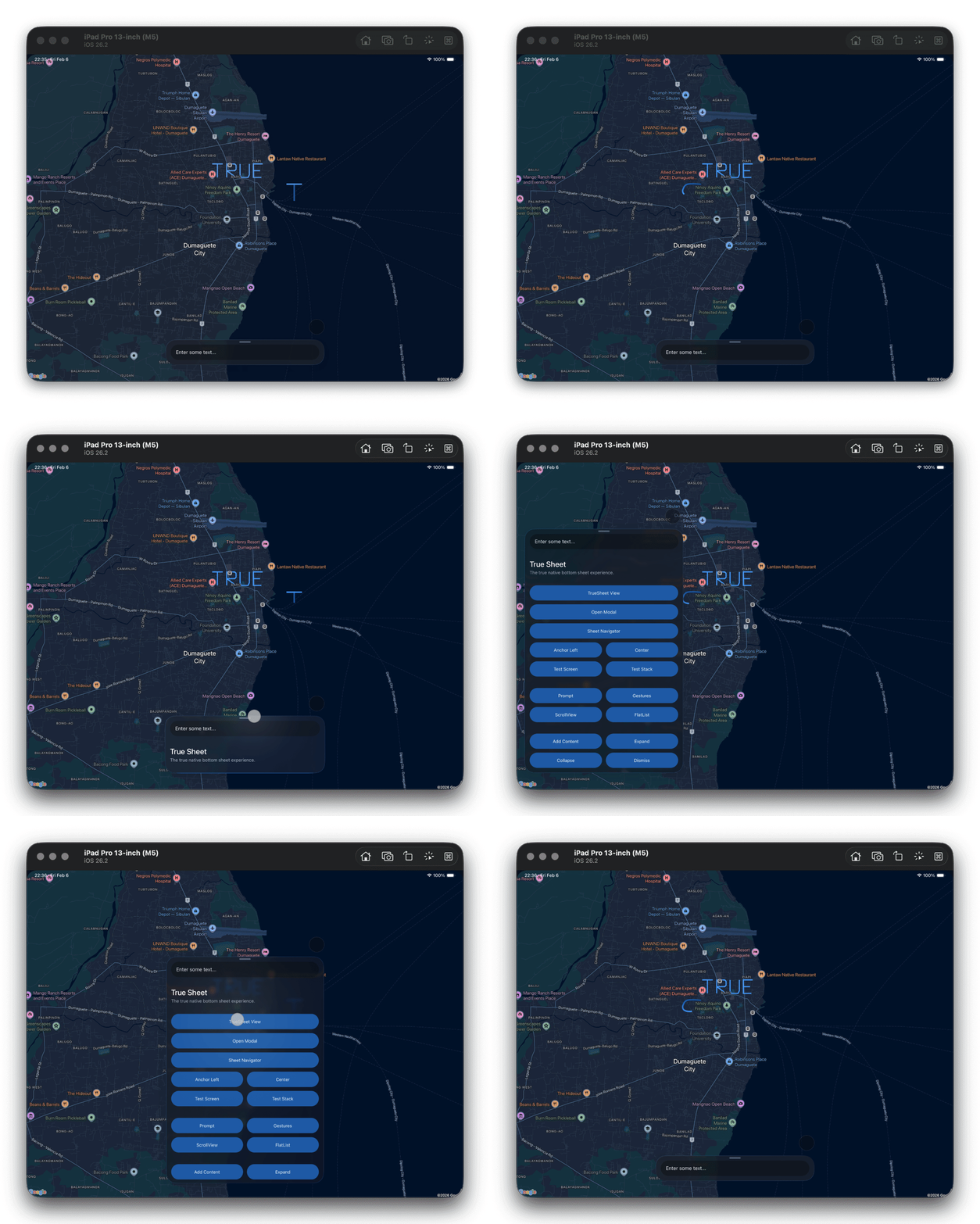
Side Sheet
Ever wanted your sheet to slide in from the side? Now it can! The new anchor prop lets you dock the sheet to the left or right edge — perfect for iPad and tablet layouts.
<TrueSheet
  anchor="left"
  maxContentWidth={600}
  detents={['auto', 1]}
>
  <View />
</TrueSheet>
On Android and Web, fine-tune the edge margin with anchorOffset.
Learn more in the Side Sheet guide.
Max Content Width
Take control of your sheet's width on larger screens with maxContentWidth. On Android and Web, sheets default to 640dp. On iOS, the system default is used.
<TrueSheet maxContentWidth={500} detents={['auto', 1]}>
  <View />
</TrueSheet>
Pair it with anchor for the ultimate tablet experience!
⚠️ Breaking Change
Heads up! maxHeight has been renamed to maxContentHeight for consistency with maxContentWidth. Quick find-and-replace and you're good:
- <TrueSheet maxHeight={600}>
+ <TrueSheet maxContentHeight={600}>
Get It
yarn add @lodev09/react-native-true-sheet@next
Have feedback? Open an issue!