Resizing Programmatically
Programmatically resize the bottom sheet and listen for detent changes.
TrueSheet has a main prop called detents which allows you to define the detents that the sheet can support. This is an array of SheetDetent that supports values like "auto", "peek", or fractional numbers (0-1).
In some cases, you may want to resize the sheet programmatically for a better experience.
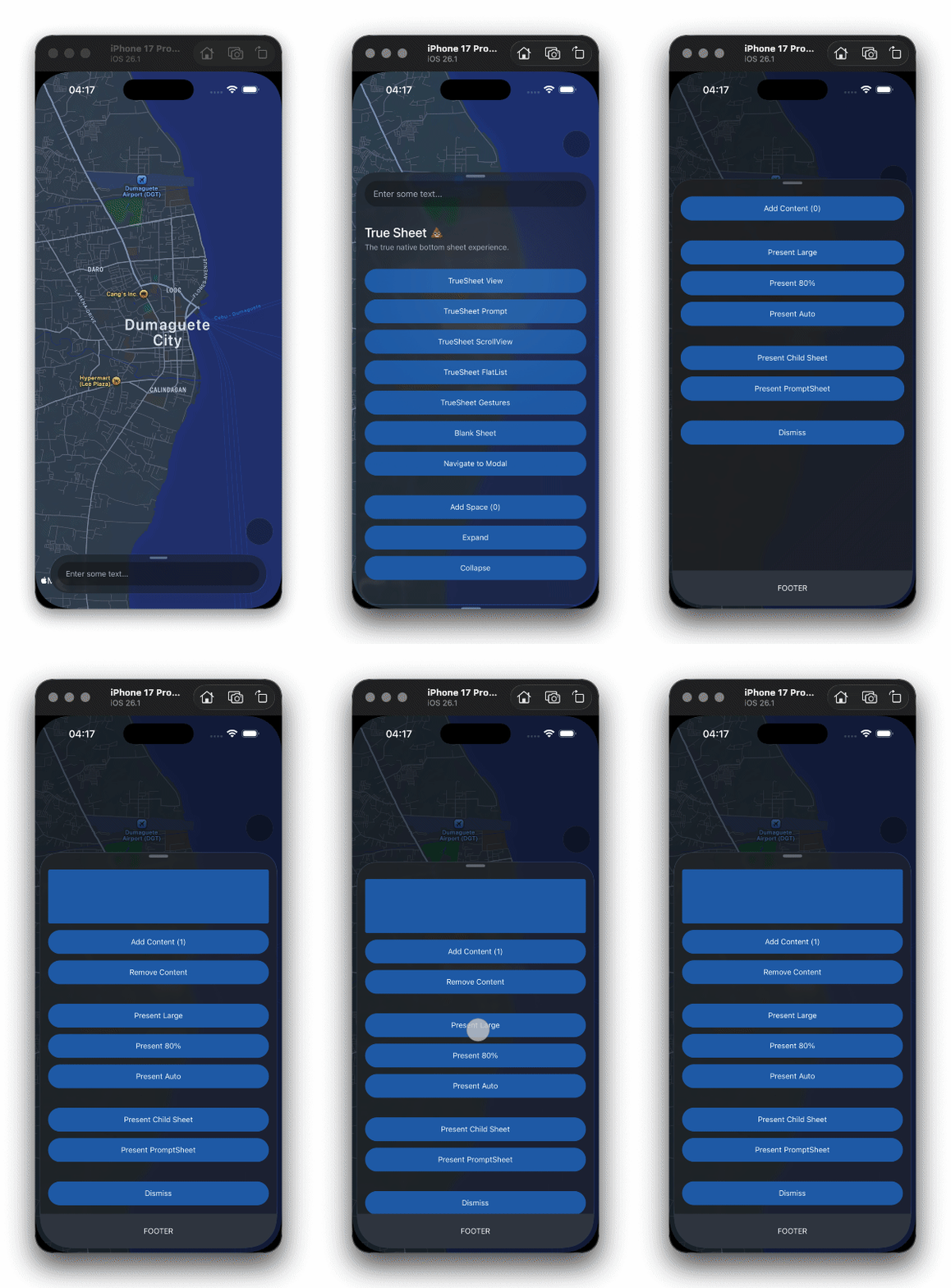
How?
Resize Programmatically
Define the sheet and use the resize method.
const App = () => {
  const sheet = useRef<TrueSheet>(null)

  const resize = async () => {
    // Resize to 69%
    await sheet.current?.resize(1)
    console.log('Yay, we are now at 69% 💦')
  }

  return (
    <TrueSheet name="resizing-sheet" ref={sheet} detents={['auto', 0.69, 1]}>
      <Button onPress={resize} title="Resize" />
    </TrueSheet>
  )
}
You can also do it globally using the related global method.
TrueSheet.resize('resizing-sheet', 1)detents can only support up to 3 detents. collapsed, half-expanded, and expanded.
The auto detent works with scrolling content too — no flex: 1 needed. The sheet sizes to the scroll view's content height and resizes as content grows or shrinks, while the viewport is automatically bounded to the sheet's visible height. See the Scrolling guide.
Use insetAdjustment="never" to disable automatic bottom inset adjustment on both platforms.
If you want to disable user dragging and only allow programmatic resizing, set draggable={false}.
Listening to Detent Change
If you want to get the active detent information, you can listen to detent changes by providing the onDetentChange event.
The event comes with the DetentInfoEventPayload that provides the detent index and position (Y position on screen).
Use the index to reference the detent from your detents array. For example, if detents={['auto', 0.69, 1]} and index is 1, the active detent is 0.69.
const App = () => {
  const sheet = useRef<TrueSheet>(null)

  const resize = async () => {
    // Resize to 69%
    await sheet.current?.resize(1)
  }

  const handleDetentChange = (e: DetentChangeEvent) => {
    const { index, position } = e.nativeEvent
    console.log('Detent index:', index, 'position:', position) ✅
  }

  return (
    <TrueSheet
      ref={sheet}
      detents={['auto', 0.69, 1]}
      onDetentChange={handleDetentChange}
    >
      <Button onPress={resize} title="Resize" />
    </TrueSheet>
  )
}
The event will also trigger when the user drags the sheet into a detent.